> How it works
Four steps.Then it works for you.
Describe an agent
Say what it should do in plain words. Agentum drafts a profile. You review it and try it in a dry run.
Pick where it runs
On your own machine through the daemon, in the cloud on your Anthropic or OpenRouter key, or on Claude Managed Agents.
Tell it when to start
Start a task from the desk, or give it a schedule, a web trigger, an email address or a Slack mention.
Answer when it asks
It works with its skills, files and connectors. When it needs a decision it stops and asks. Results come back as files, pages, mail or a Slack reply.
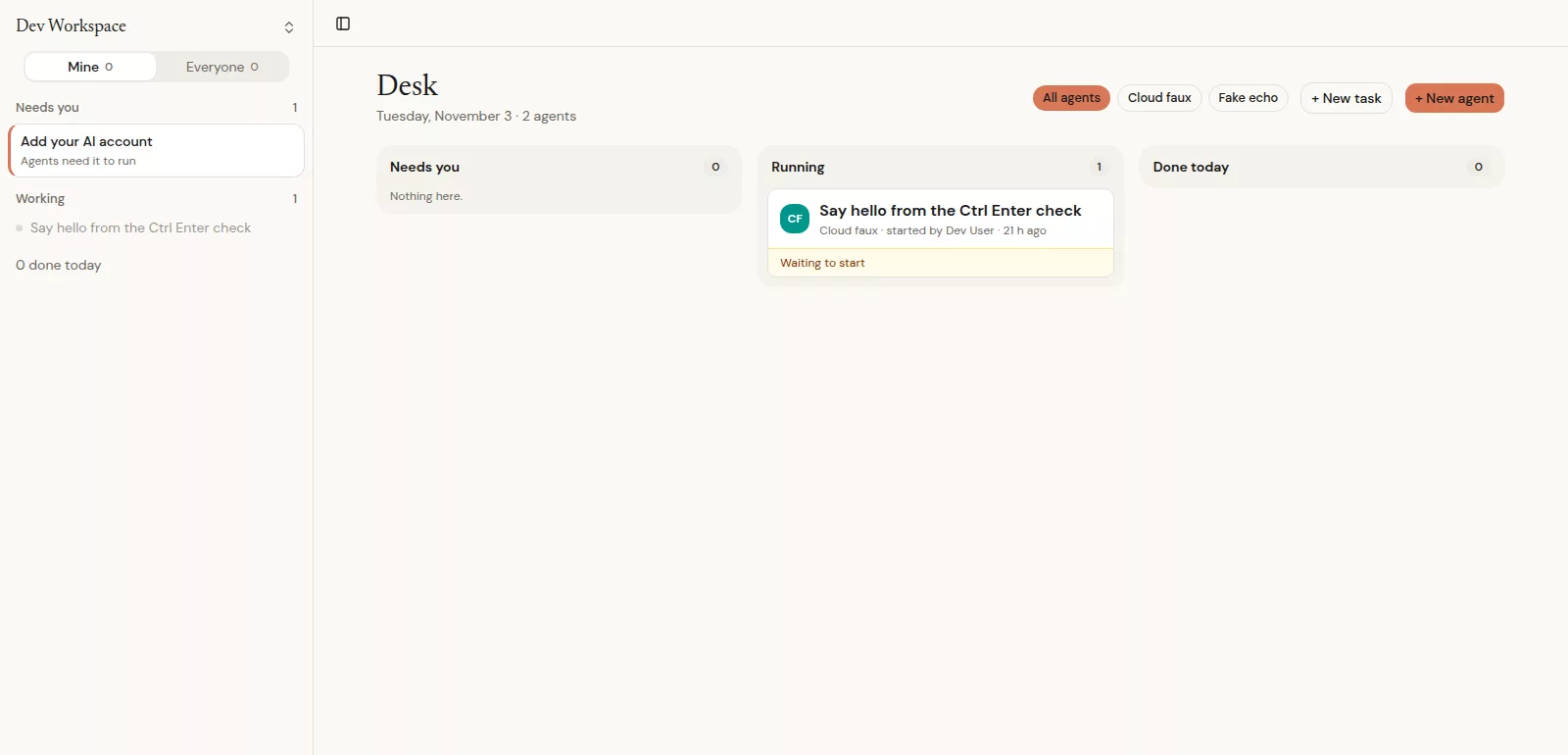
> Needs you
It asks.You answer once.
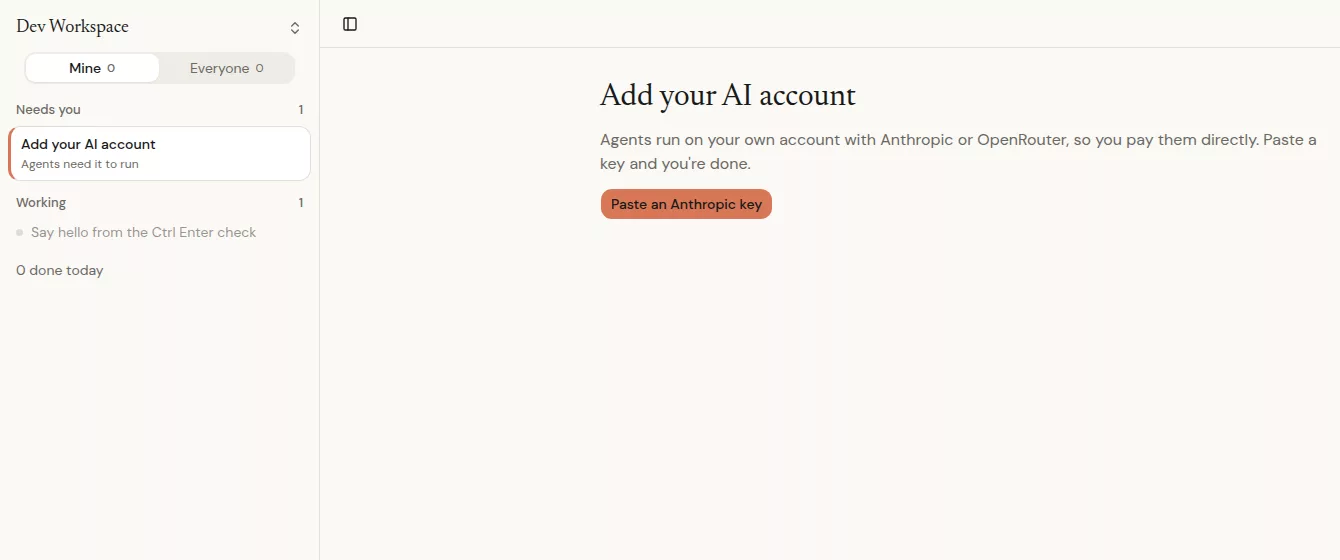
Approvals, questions and setup steps land in one list, sorted by when they are due. Answer on the web or in Slack. The first answer counts.
> The map
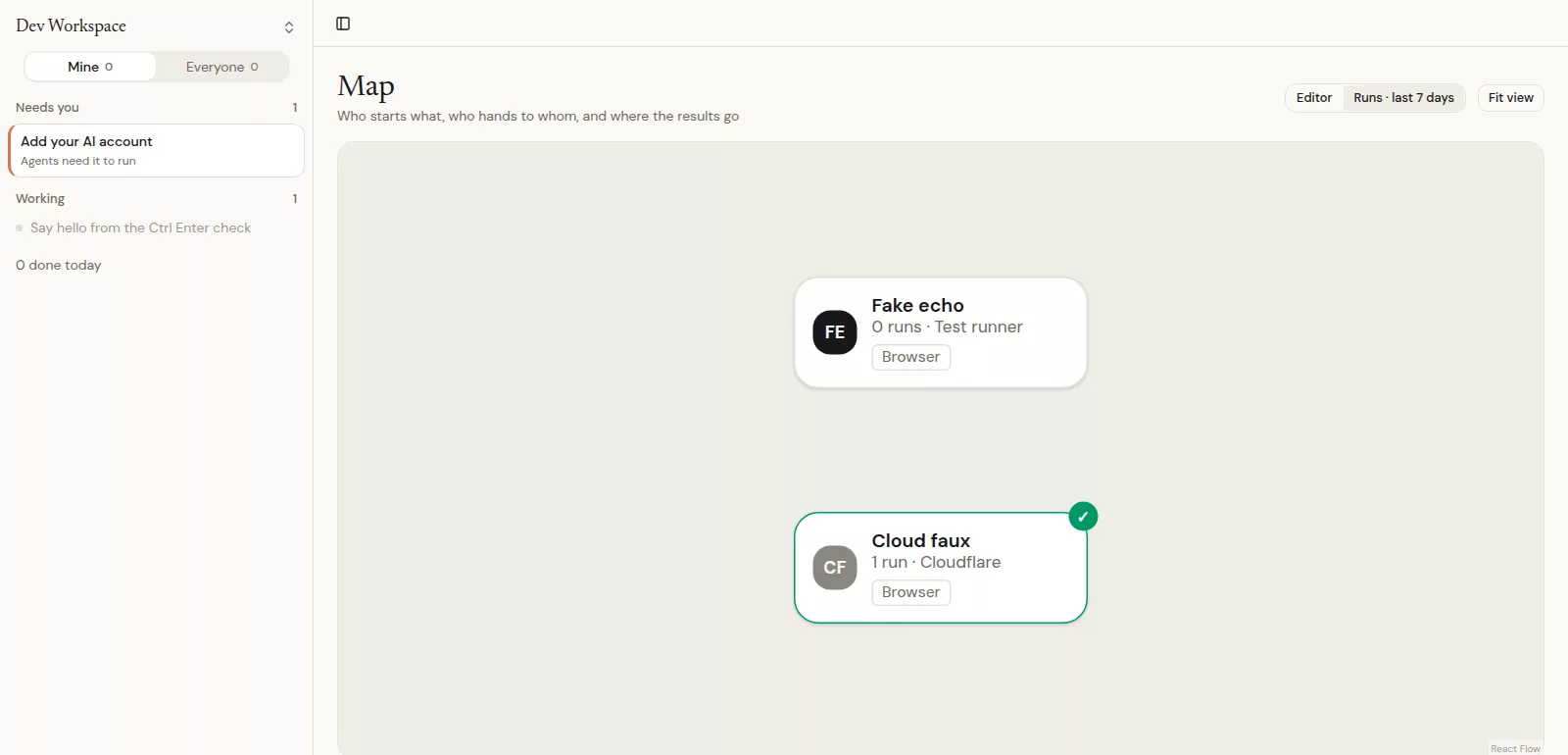
See the whole flow.Who starts what.
Schedules, triggers and agents on one map. Green wires show where work moved in the last seven days.
/// Capabilities ///
One workspace.Everything an agent needs.
Slack and email
Each agent gets its own Slack app and its own inbox. Mail to people outside the workspace waits for your approval.
Connectors and secrets
OAuth connectors and a secrets vault. The agent uses a credential without ever seeing it.
Skills and files
Reusable skills, a shared library with versions and a wiki, synced onto the machines agents work on.
A computer of its own
A browser or a desktop for the agent. Watch the live screen, or take over.
Artifacts
Agents publish pages, docs and dashboards. Share one by link, revoke the link, and see every view.
Agent connections
Pair with other agents over A2A. A person approves each connection and can revoke it at any time.
/// Ready when you are ///
Create an agent.
Give it tools and a schedule. It asks when it needs you.